

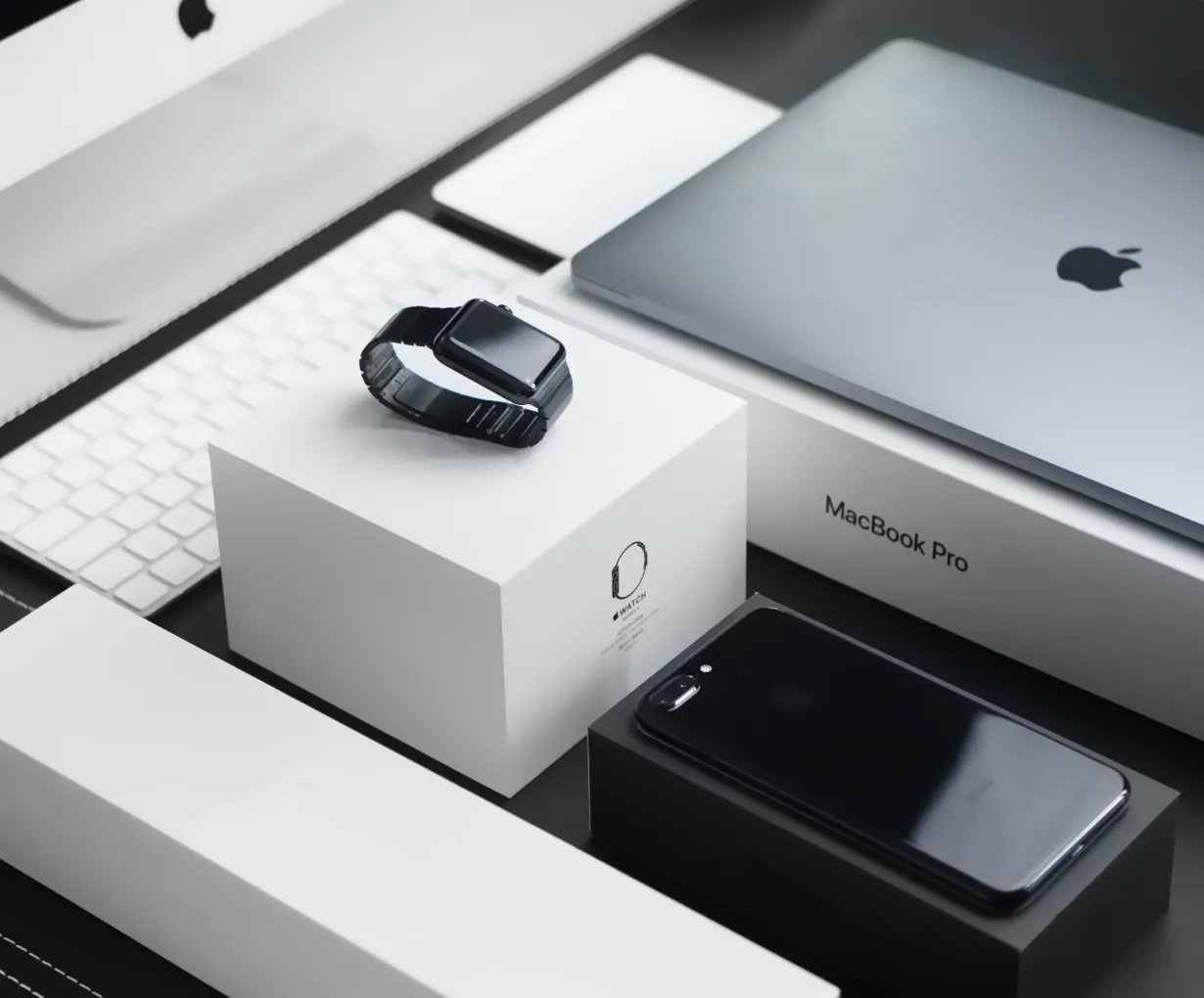

A clean workspace isn’t just about aesthetics. It’s about creating an environment where technology works for you, not against you.
Whether you’re studying, working from home, gaming, or creating content, a well-organized tech setup can make your everyday routine more comfortable and enjoyable.
The good news? You don’t need an expensive desk or the latest gadgets to create a minimalist workspace. Sometimes, a few thoughtful changes are all it takes.
1. Start With the Essentials
The first step toward a minimalist setup is understanding what you actually need.
Take a look at your desk. How many devices and accessories do you use every day? How many are simply taking up space?
Start with the essentials: your computer, keyboard, mouse, and any devices that support your daily activities.
Remove unnecessary items and give everything else a dedicated place.
The goal isn’t an empty desk. It’s a desk where everything has a purpose.
2. Take Control of Your Cables
Nothing disrupts a clean setup quite like tangled cables.
Charging cords, power adapters, and USB connections can quickly make even the most carefully designed workspace look cluttered.
Consider using cable clips, reusable cable ties, or an under-desk cable organizer to keep everything in place.
A compact USB-C hub can also help reduce the number of separate connections running across your desk.
Small improvements to cable management can make your setup feel noticeably more organized.
3. Choose Accessories That Serve a Purpose
Minimalism doesn’t mean avoiding accessories. It means choosing the right ones.
A laptop stand can raise your screen to a more comfortable viewing height. A desk mat creates a defined workspace, while a phone stand keeps your device accessible without taking up much room.
When selecting accessories, prioritize functionality, compatibility, and durability over appearance alone.
The best accessories are the ones you naturally reach for every day.
4. Keep Your Colors Consistent
A cohesive color palette can make your workspace feel calmer and more intentional.
Start with a neutral foundation such as black, white, gray, or silver. Then introduce one or two accent colors to add personality.
For example, a black desk setup with subtle blue or violet lighting can create a modern, technology-inspired atmosphere.
You don’t need every accessory to match perfectly. Just aim for a consistent overall style.
5. Make Lighting Part of Your Setup
Lighting can completely change how a workspace looks and feels.
A desk lamp provides focused illumination for reading or working, while subtle ambient lighting can make the surrounding space feel more inviting.
If you’re using LED strips, consider placing them behind your monitor or desk rather than directly in your field of vision.
Avoid excessive brightness and reflections that could become distracting during longer sessions.
6. Keep Your Digital Space Organized Too
A minimalist setup isn’t limited to your physical workspace.
Your desktop, files, applications, and notifications all contribute to your digital environment.
Organize important folders, remove unnecessary applications, and keep your desktop free from excessive clutter.
Consider turning off nonessential notifications when you need to concentrate.
A clean digital environment complements a well-organized physical space.
Your Setup, Your Way
The perfect minimalist workspace doesn’t have to look like something from a technology advertisement.
It should reflect your personal needs, habits, and style.
Start with what you already own, make small improvements, and invest in accessories only when they solve a genuine problem.
At VantaLoop, we believe great technology experiences come from the balance of thoughtful design and everyday functionality.
Because a better setup isn’t always about having more.
Sometimes, it’s about making more of what you already have.
Technology, Refined.